Deep Learning in 2026: Powering the Intelligent Future
DL has rapidly evolved from a niche academic concept into the backbone of modern artificial intelligence systems. Today, it powers recommendation engines, medical diagnostics, speech recognition, autonomous systems, and advanced generative AI tools. However, what makes DL truly transformative is not only its current impact but also its future potential. As industries become more data-driven and computational resources expand, DL continues redefining how machines perceive, analyze, and respond to the world.
In the present technological landscape, DL is no longer experimental. Instead, it has become foundational. Organizations across sectors integrate DL into their digital strategies to enhance efficiency, improve predictions, and personalize user experiences. Therefore, understanding DL s essential for anyone aiming to remain relevant in the AI-driven future.
What Is Deep Learning?
Deep learning is a specialized branch of artificial intelligence that enables machines to learn from vast amounts of data using layered neural networks. Unlike traditional programming, where rules are explicitly defined by humans, DL systems discover patterns automatically. This ability to extract meaningful representations from raw data makes it extremely powerful.
At its core, DL mimics certain aspects of the human brain. Artificial neurons are connected in layers, and each layer refines the information it receives. As data moves through these layers, the system gradually learns increasingly abstract features. For example, when processing images, early layers detect edges, intermediate layers recognize shapes, and deeper layers identify complete objects. Consequently, DL excels at solving complex problems involving unstructured data such as images, text, and audio.
Why Deep Learning Is Dominating the AI Era
DL dominates today because of three major factors: data availability, computational power, and algorithmic innovation. First, enormous volumes of data are generated every second through digital platforms, sensors, and connected devices. This abundance provides the raw material that deep learning systems require for training.
Second, advancements in GPUs and specialized AI processors allow faster training of large-scale models. Previously, training complex networks took months. Now, it can be done in days or even hours. Furthermore, cloud computing platforms make high-performance infrastructure accessible globally.
Third, breakthroughs in architectures such as transformer models have significantly improved performance across language and vision tasks. As a result, DL systems now achieve near-human accuracy in many applications. Therefore, businesses increasingly rely on DL to stay competitive and innovative.
How Deep Learning Works Internally
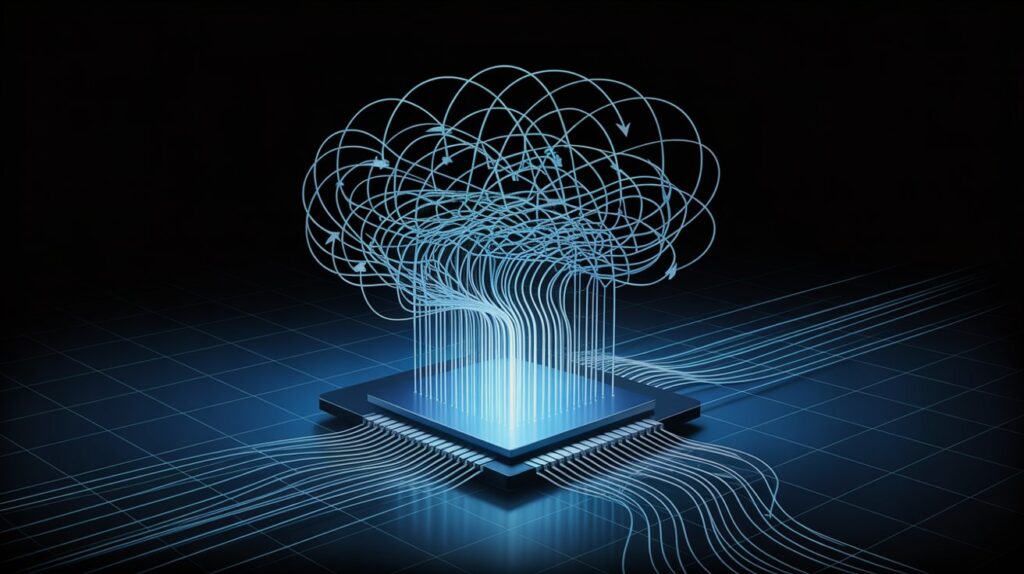
Understanding the internal mechanism of DL clarifies why it is so effective. Initially, data enters the input layer, where it is converted into numerical form. Then, this data passes through multiple hidden layers. Each neuron applies weights to the inputs and processes them using activation functions, introducing non-linearity.
After forward propagation produces an output, the system evaluates how accurate the prediction is using a loss function. Subsequently, backpropagation calculates how to adjust the weights to minimize errors. This optimization process repeats across many iterations. Over time, the network refines its parameters and improves performance.
Because of this iterative learning cycle, DL eep learning systems become increasingly accurate with more data and training. Moreover, the layered structure allows the model to capture highly complex patterns that simpler algorithms cannot detect.
Types of Deep Learning Models
DL includes several specialized architectures designed for different tasks. Each type addresses specific challenges while sharing the same foundational principles.
Convolutional Neural Networks are primarily used for image and video analysis. They apply filters across input data to detect spatial patterns. These networks excel in object recognition, medical imaging, and facial detection because they can capture hierarchical visual features efficiently.
Recurrent Neural Networks are designed to process sequential data. They retain information from previous steps, making them suitable for language modeling, speech recognition, and time-series forecasting. Although newer models have surpassed them in some areas, they remain foundational in understanding sequence processing.
Transformer Models represent a major breakthrough in DL . Instead of processing data sequentially, they use attention mechanisms to understand relationships between elements simultaneously. This innovation powers advanced language systems and generative AI models, enabling context-aware responses and content generation.
Generative Adversarial Networks focus on content creation. They consist of two networks competing against each other to generate realistic outputs. These models produce synthetic images, deepfake videos, and creative designs, significantly impacting media and entertainment industries.
Each of these DL types contributes uniquely to the broader AI ecosystem, demonstrating the flexibility and scalability of DL technologies.
Real-World Applications of Deep Learning
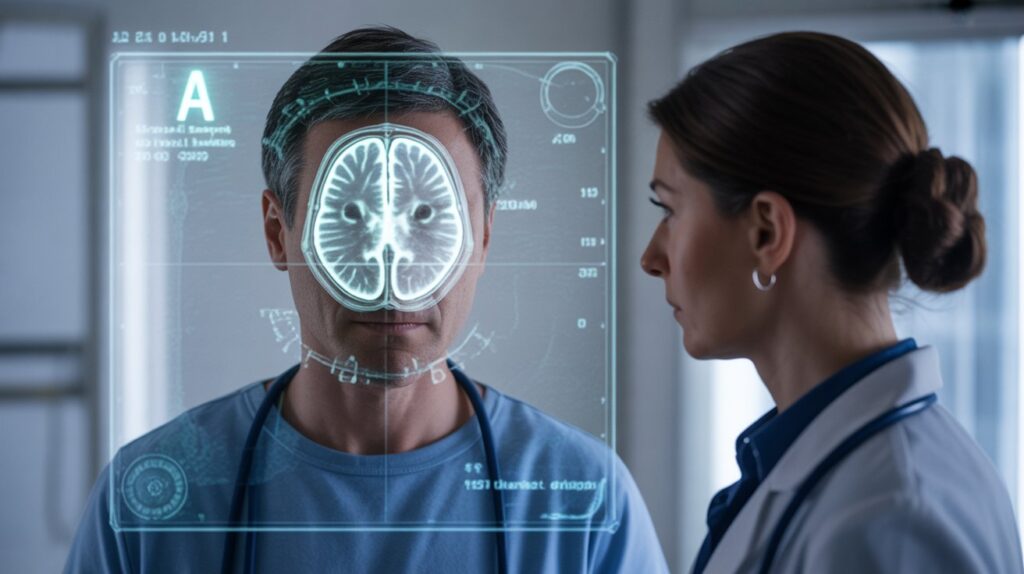
Deep learning applications extend across nearly every major sector. In healthcare, it assists in diagnosing diseases from medical scans with remarkable accuracy. Early detection of conditions such as cancer becomes more efficient through pattern recognition.
In finance, deep learning predicts market trends and identifies fraudulent transactions by analyzing behavioral patterns. Meanwhile, in retail, recommendation engines personalize shopping experiences based on user preferences and browsing history.
Additionally, autonomous vehicles rely on deep learning to interpret sensor data, detect obstacles, and make driving decisions. In natural language processing, deep learning enables chatbots, translation tools, and intelligent assistants to communicate fluently. Therefore, deep learning serves as a foundational engine behind modern digital services.
Emerging Paths and Future Directions
The future of deep learning is moving toward efficiency, explainability, and integration. Researchers are developing lightweight models that require less computational power while maintaining accuracy. This shift supports edge AI, where models operate directly on devices instead of centralized servers.
Moreover, explainable AI is becoming critical. As deep learning systems influence sensitive decisions, understanding their reasoning becomes necessary. Transparency will increase trust and regulatory compliance.
Multimodal AI is another emerging direction. By integrating text, images, audio, and video into unified systems, deep learning models will better understand context and human intent. Consequently, future AI systems will appear more intuitive and responsive.
Step-by-Step Roadmap to Excel in DL
To succeed in DL , a structured learning approach is essential. First, build a strong mathematical foundation, particularly in linear algebra and probability. These concepts form the backbone of neural networks.
Second, master Python programming and familiarize yourself with data handling libraries. Practical coding experience strengthens conceptual understanding. After that, study core machine learning principles before diving into neural networks.
Next, implement basic neural networks from scratch. This hands-on practice clarifies how weight updates and optimization work. Then, move toward advanced frameworks and work on real-world datasets.
Finally, specialize in an area such as computer vision, natural language processing, or generative AI. Continuous learning and experimentation will help you stay relevant in this rapidly evolving field.
Challenges and Ethical Considerations
Despite its potential, DL faces challenges related to computational cost, data bias, and energy consumption. Large models demand significant resources, which may not be sustainable long term. Therefore, research into efficient architectures is crucial.
Bias in training data can lead to unfair outcomes. Addressing fairness and inclusivity remains a priority. Furthermore, privacy concerns arise when DL systems analyze personal information.
Responsible development practices ensure that DL benefits society while minimizing risks. Ethical AI frameworks and transparent governance will play a significant role in shaping the future.